
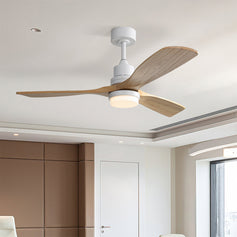
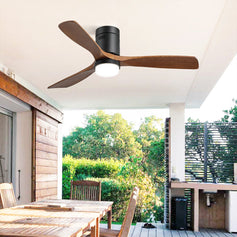


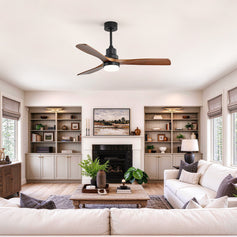
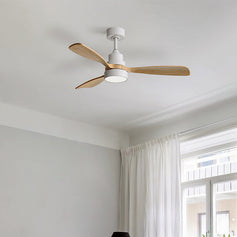


A ceiling fan’s running cost depends on its input power, operating hours and your electricity tariff. For a ceiling fan with light, include the lighting separately when its usage differs.
This guide explains the calculation, what changes consumption and how remote control functions can help avoid unnecessary use.
Find the input power in watts (W) for the speed you use. A maximum rating is not necessarily the draw at a lower setting. Check whether the stated figure covers the motor, lighting or complete unit.
DC or AC describes the motor type; it does not determine the bill by itself. Compare power and airflow at equivalent operating conditions.
Daily energy (kWh) = input power (W) × hours used ÷ 1,000.
Running cost = energy (kWh) × your electricity rate per kWh.
Multiply daily energy by the number of days. If your tariff changes by time period, calculate each period separately. Use the applicable per-kWh price, including relevant taxes; fixed daily charges are not an extra cost caused by the fan.

The table assumes 8 hours daily for 30 days at €0.30/kWh, excluding lighting and standby. These are illustrative power levels, not measured ratings for the pictured fans. The tariff is an example, not a European average.
| Puissance illustrative | Énergie par jour | Énergie sur 30 jours | Coût sur 30 jours |
|---|---|---|---|
| 10 W | 0,08 kWh | 2,4 kWh | 0,72 € |
| 30 W | 0,24 kWh | 7,2 kWh | 2,16 € |
| 60 W | 0,48 kWh | 14,4 kWh | 4,32 € |
Suppose a motor uses 30 W for 8 hours daily and its LED uses 18 W for 4 hours daily. Over 30 days, total consumption is 9.36 kWh, costing approximately €2.81 at €0.30/kWh.
For a ceiling fan with light, separate fan/light operation helps match each function to your needs. Add any specified receiver or Wi-Fi standby consumption for inactive hours, without counting it twice if it is already included in a measured total.

A fan may help you remain comfortable with a different heating or cooling setting, but household savings depend on how you actually use those systems.

Confirm which features the complete fan supports. Availability and power use vary by model.
For a useful estimate, record three things: watts at your chosen setting, hours of use and your own electricity rate. For a hardwired fan, ask a qualified electrician if you need measured input power.

Support@sofucorfan.com
Monday – Friday: 9:00 – 18:00 (CET/CEST)
Saturday & Sunday: Closed
Votre carte est actuellement vide.
Commencer à magasiner

